
27.02.2025
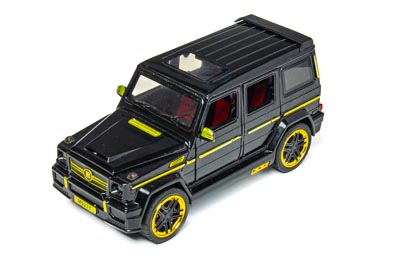
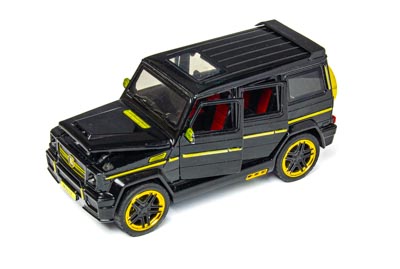
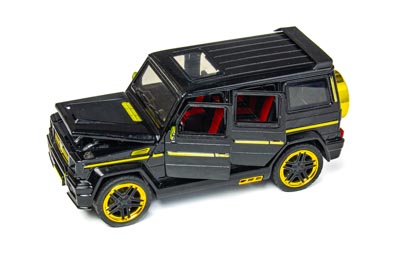
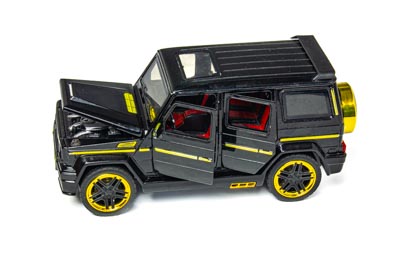
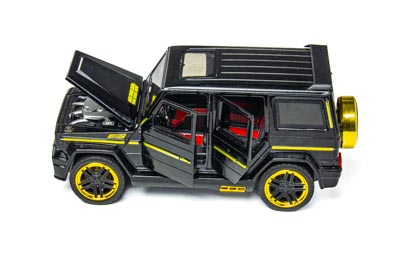
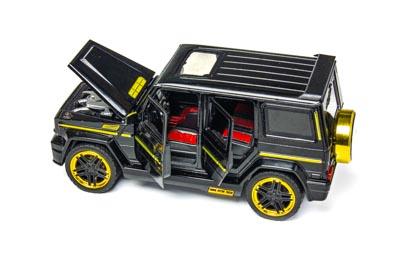
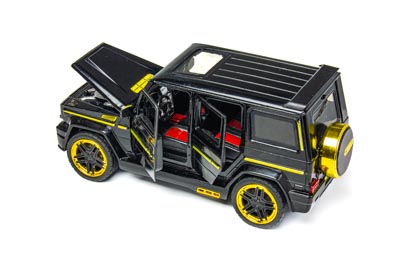
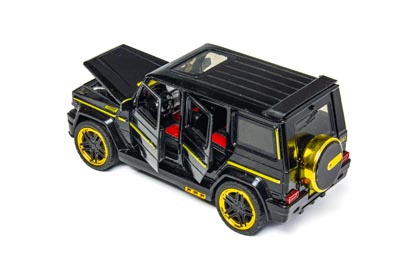
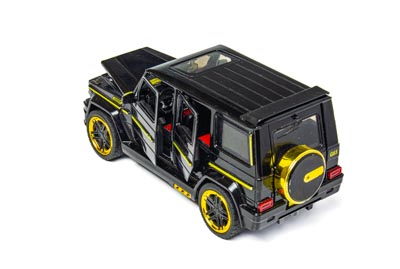
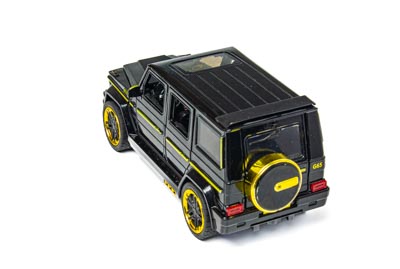
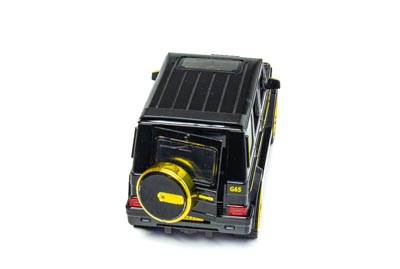
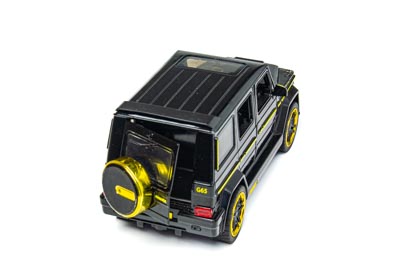
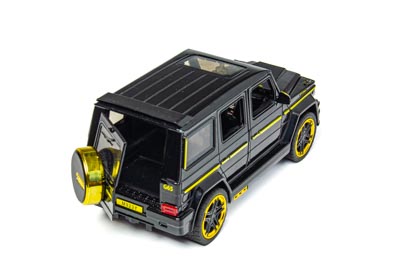
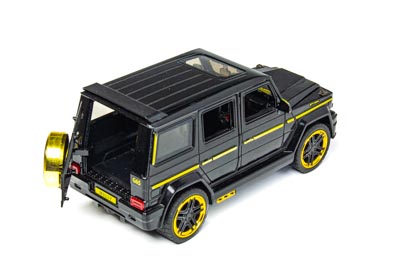
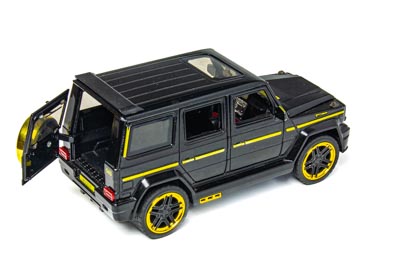
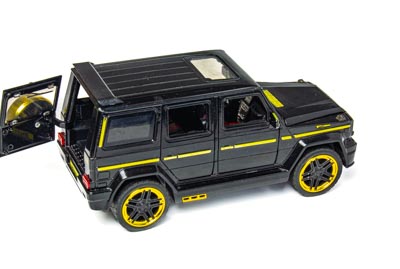
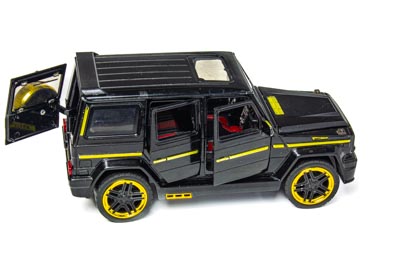
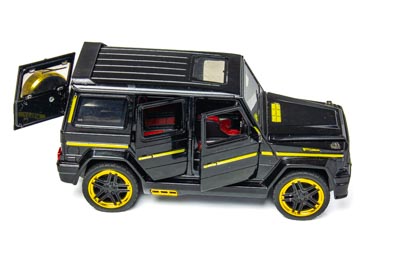
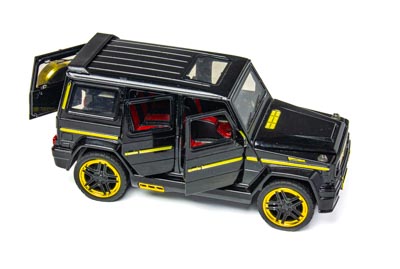
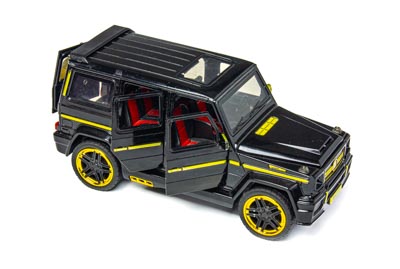
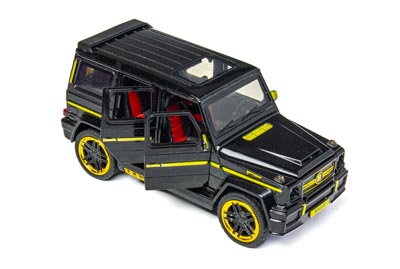
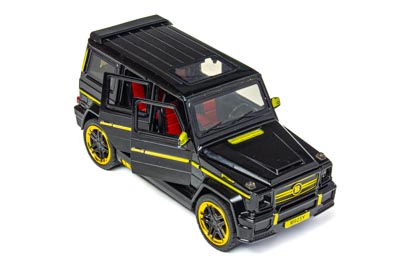
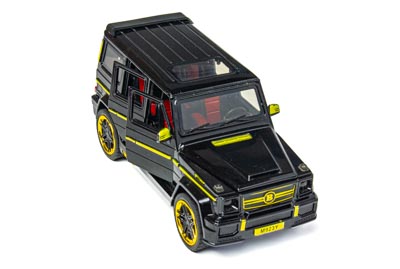
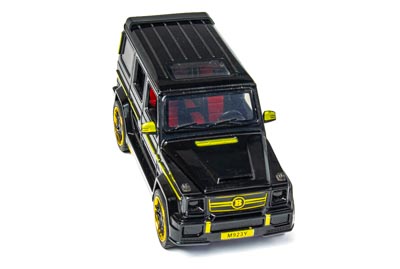
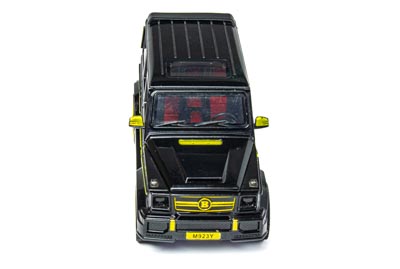
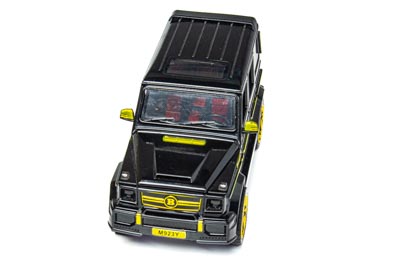
В статье Как добавить фото 360 на ваш сайт был описан простой способ добавления на сайт интерактивных фото 360 на основе HTML элемента <div>, содержащего дочерние изображения.
Однако этот способ имеет два недостатка.
Во-первых, когда пользователь впервые попадает на страницу, картинка начинает мигать во время первого вращения. После того, как браузер поместит все изображения в кэш, ситуация нормализуется, но видеть дёргающуюся картинку первый раз довольно неприятно.
Во-вторых, на мобильных устройствах может появляться меню загрузки изображения, если задержать палец на картинке чуть дольше обычного. Это мешает.
Ниже мы опишем способ, лишённый этих недостатков.
Вот JavaScript код, который будет отрисовывать текущее изображение в элементе <canvas>:
class Rotater {
    #div;
    #sources;
    #frames = [];
    #currentFrame = 0;
    #canvas;
    #canvasContext;
    #x;
    #isRotation = false;
    #observer;

    constructor(id) {
        this.#div = document.getElementById(id);
        this.#sources = this.#div.getElementsByTagName('img');
        this.#canvas = this.#div.getElementsByTagName('canvas')[0];
        this.#canvasContext = this.#canvas.getContext("2d");
    }

    static async initialize(id) {
        const rotater = new Rotater(id);
        await rotater.#init();
        return rotater;
    }

    async #init() {
        let promise = this.#preloadImages()
            .then(() => {
                const length = this.#sources.length;
                for (var i = length - 1; i >= 0; i--) {
                    const img = this.#sources[i];
                    this.#div.removeChild(img);
                }

                this.#drawCurrent();

                const options = {
                    root: null,
                    rootMargin: "0px",
                    threshold: 0.8,
                };
                this.#observer = new IntersectionObserver((entries) => {
                    if (entries[0].isIntersecting && entries[0].target === this.#div) {
                        this.#observer?.unobserve(this.#div);
                        this.runInitialRotation();
                    }
                }, options);
                this.#observer.observe(this.#div);

                this.#div.addEventListener('pointerdown', (e) => this.beginRotation(e), true);
                this.#div.addEventListener('pointermove', (e) => this.rotate(e), true);
                this.#div.addEventListener('pointerup', (e) => this.endRotation(e), true);
            })
            .catch(() => this.#div.innerText = "At least one image failed to load");

        await promise;
    }

    async #preloadImages() {
        const LoadImage = (img) => {
            return new Promise((resolve, reject) => {
                var newImage = new Image();
                newImage.onload = () => {
                    resolve(newImage);
                };
                newImage.onerror = newImage.onabort = () => {
                    reject(newImage);
                };

                newImage.src = img.src;
                this.#frames.push(newImage);
            });
        }

        var promises = [];
        const length = this.#sources.length;
        for (var i = 0; i < length; i++) {
            promises.push(LoadImage(this.#sources[i]));
        }
        return await Promise.all(promises);
    }

    runInitialRotation() {
        this.#isRotation = true;
        const milliseconds = 15;
        let count = 0;
        let timerId;
        const ShowPrevImage = () => {
            count++;
            if (count > this.#frames.length) {
                clearInterval(timerId);
                this.#isRotation = false;
            } else {
                this.#showPrev();
            }
        }

        timerId = setInterval(() => ShowPrevImage(), milliseconds);
    }

    beginRotation(e) {
        if (this.#isRotation) {
            return;
        }

        e.preventDefault();
        this.#div.setPointerCapture(e.pointerId);
        this.#x = e.x;
        this.#isRotation = true;
    }

    rotate(e) {
        e.preventDefault();
        if (!this.#isRotation) {
            return;
        }

        const delta = 10;
        const x = e.x;
        if (x > this.#x + delta) {
            this.#showPrev();
            this.#x = x;
        } else if (x < this.#x - delta) {
            this.#showNext();
            this.#x = x;
        }
    }

    endRotation(e) {
        this.#isRotation = false;
        this.#div.releasePointerCapture(e.pointerId);
    }

    #showPrev() {
        this.#currentFrame--;
        if (this.#currentFrame < 0) {
            this.#currentFrame = this.#frames.length - 1;
        }

        this.#drawCurrent();
    }

    #showNext() {
        this.#currentFrame++;
        if (this.#currentFrame >= this.#frames.length) {
            this.#currentFrame = 0;
        }

        this.#drawCurrent();
    }

    #drawCurrent() {
        this.#canvasContext.clearRect(0, 0, this.#canvas.width, this.#canvas.height);
        this.#canvasContext.drawImage(this.#frames[this.#currentFrame], 0, 0, this.#canvas.width, this.#canvas.height);
    }
}
CSS стиль:
.rotation {
	touch-action: pinch-zoom;
	canvas {
		cursor: grab;
		user-select: none;
	}
}
И, наконец, HTML-код для вставки на страницу:
<div class="rotation" id="car" align="center" title="Нажмите на объект и начните вращать">
	<img src="https://table-360.ru/wp-content/uploads/2025/01/Car-1.jpg" style="display: none;">
	<img src="https://table-360.ru/wp-content/uploads/2025/01/Car-2.jpg" style="display: none;">
	<img src="https://table-360.ru/wp-content/uploads/2025/01/Car-3.jpg" style="display: none;">
	<img src="https://table-360.ru/wp-content/uploads/2025/01/Car-4.jpg" style="display: none;">
	<img src="https://table-360.ru/wp-content/uploads/2025/01/Car-5.jpg" style="display: none;">
	<img src="https://table-360.ru/wp-content/uploads/2025/01/Car-6.jpg" style="display: none;">
	<img src="https://table-360.ru/wp-content/uploads/2025/01/Car-7.jpg" style="display: none;">
	<img src="https://table-360.ru/wp-content/uploads/2025/01/Car-8.jpg" style="display: none;">
	<img src="https://table-360.ru/wp-content/uploads/2025/01/Car-9.jpg" style="display: none;">
	<img src="https://table-360.ru/wp-content/uploads/2025/01/Car-10.jpg" style="display: none;">
	<img src="https://table-360.ru/wp-content/uploads/2025/01/Car-11.jpg" style="display: none;">
	<img src="https://table-360.ru/wp-content/uploads/2025/01/Car-12.jpg" style="display: none;">
	<img src="https://table-360.ru/wp-content/uploads/2025/01/Car-13.jpg" style="display: none;">
	<img src="https://table-360.ru/wp-content/uploads/2025/01/Car-14.jpg" style="display: none;">
	<img src="https://table-360.ru/wp-content/uploads/2025/01/Car-15.jpg" style="display: none;">
	<img src="https://table-360.ru/wp-content/uploads/2025/01/Car-16.jpg" style="display: none;">
	<img src="https://table-360.ru/wp-content/uploads/2025/01/Car-17.jpg" style="display: none;">
	<img src="https://table-360.ru/wp-content/uploads/2025/01/Car-18.jpg" style="display: none;">
	<img src="https://table-360.ru/wp-content/uploads/2025/01/Car-19.jpg" style="display: none;">
	<img src="https://table-360.ru/wp-content/uploads/2025/01/Car-20.jpg" style="display: none;">
	<img src="https://table-360.ru/wp-content/uploads/2025/01/Car-21.jpg" style="display: none;">
	<img src="https://table-360.ru/wp-content/uploads/2025/01/Car-22.jpg" style="display: none;">
	<img src="https://table-360.ru/wp-content/uploads/2025/01/Car-23.jpg" style="display: none;">
	<img src="https://table-360.ru/wp-content/uploads/2025/01/Car-24.jpg" style="display: none;">
	<img src="https://table-360.ru/wp-content/uploads/2025/01/Car-25.jpg" style="display: none;">
	<img src="https://table-360.ru/wp-content/uploads/2025/01/Car-26.jpg" style="display: none;">
	<img src="https://table-360.ru/wp-content/uploads/2025/01/Car-27.jpg" style="display: none;">
	<img src="https://table-360.ru/wp-content/uploads/2025/01/Car-28.jpg" style="display: none;">
	<img src="https://table-360.ru/wp-content/uploads/2025/01/Car-29.jpg" style="display: none;">
	<img src="https://table-360.ru/wp-content/uploads/2025/01/Car-30.jpg" style="display: none;">
	<canvas width="400" height="269" style="max-width: 100%; max-height: 100%"/>
	<script>Rotater.initialize('car')</script>
</div>
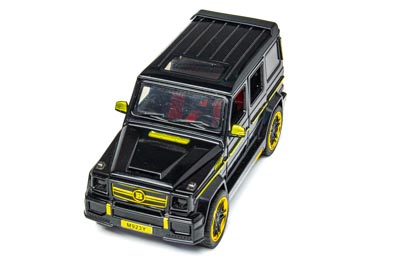
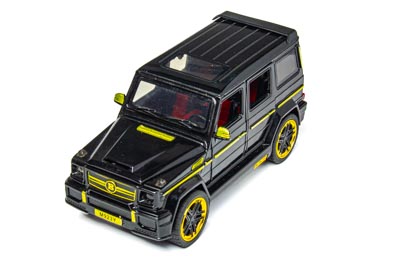
В качестве примера мы выбрали HTML-код для машинки, которая видна наверху. Элемент <div> содержит набор изображений. Эти изображения нужны лишь для указания путей к картинкам; в процессе загрузки все они будут удалены из DOM, так что элемент <div> будет содержать только <canvas>, в котором будет происходить отрисовка текущего изображения.
Наконец, тег <script> создаёт управляющий JavaScript объект. Параметр функции initialize() должен соответствовать атрибуту id элемента <div>.